





Generator
History
AI Floor Plan Generator
Change Tool
Model
Base
Switch
Reference floor plan
Upload
BedRoom
-
2
+
BathRoom
-
1
+
Gross Area
Unit metric
 imperial
metric imperialArea
< 50㎡
50-80㎡
80-100㎡
100-120㎡
120-150㎡
> 150㎡
Extras
Looking for any specific?
e.g. Modern style living room with bright colors, soft lighting and minimalist design.
 Count
Count
Unlock Your Vision with Our Free Building Blueprint Maker
Dreaming of a new home or a renovation? Ideal House brings you the ultimate AI Floor Plan Generator, your go-to free building blueprint maker. Quickly design detailed 2D floor plans that reflect your exact needs, from custom home layouts to apartment designs. Our intuitive platform transforms your ideas into professional-grade blueprints in seconds, making complex architectural drawing accessible to everyone. Get started today and see how easy it is to visualize your perfect space.
Generate My Floor Plan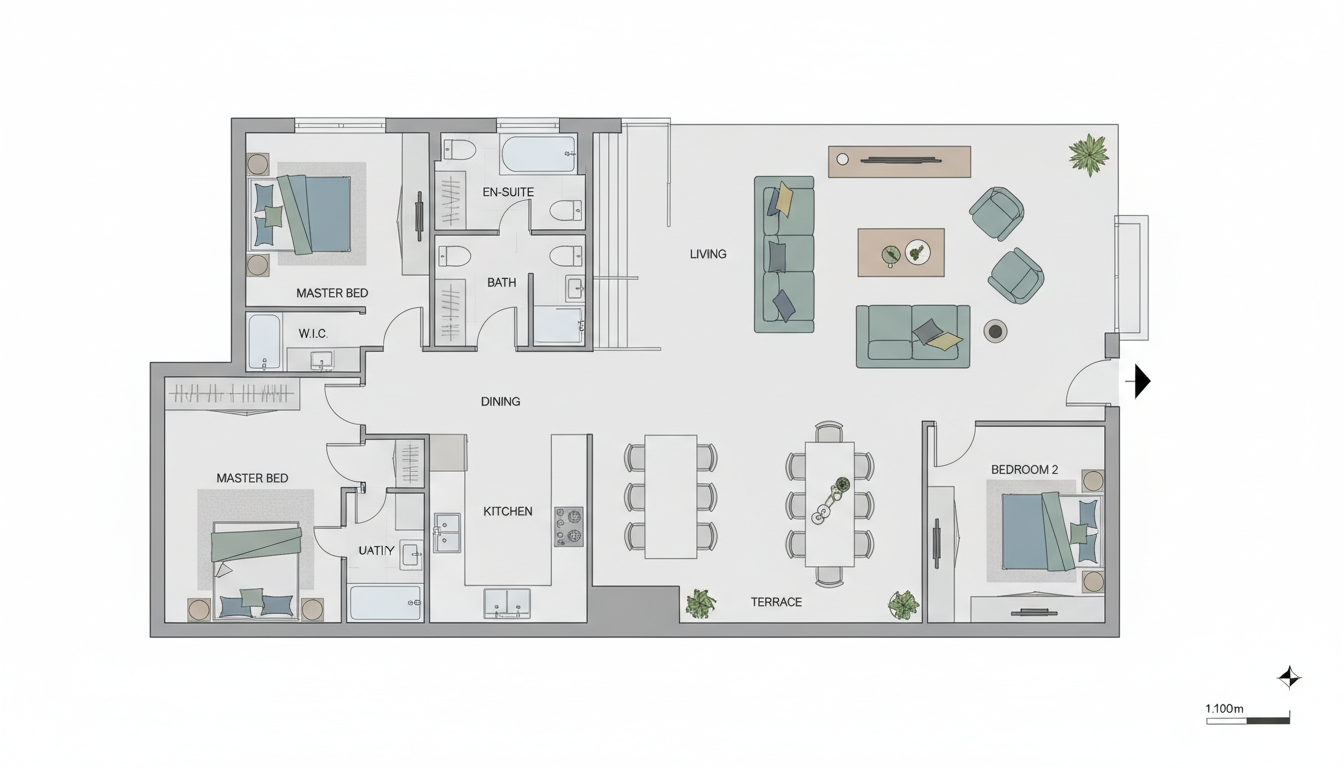


Why Ideal House is Your Premier Free Building Blueprint Maker

Instant 2D Floor Plans from Your Ideas
Our AI Floor Plan Generator takes your basic requirements—like the number of bedrooms and bathrooms, kitchen style, and gross area—and instantly produces clear, presentation-ready 2D floor plans. No more guesswork; get visual feedback on your room layout ideas immediately. It's the fastest way to get a virtual floor planner working for you.
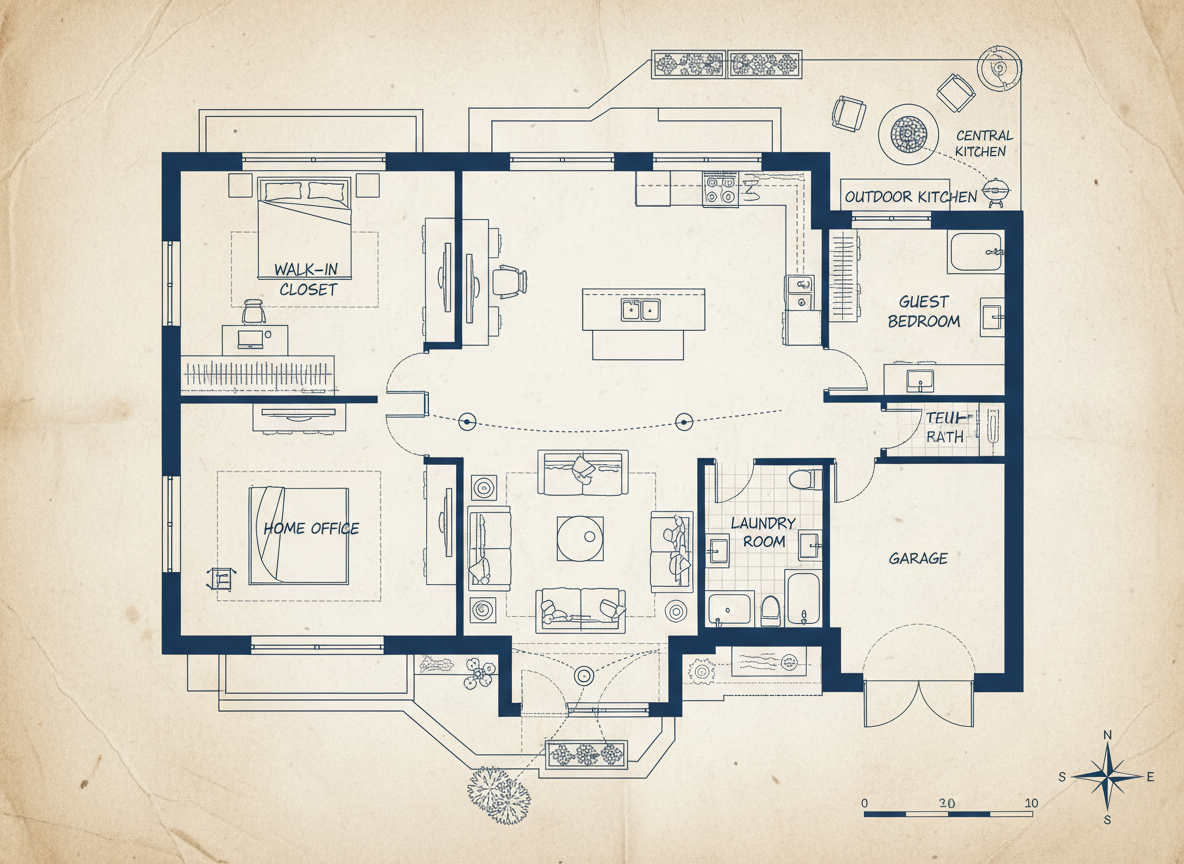
Customizable Designs with Smart 'Extras'
Go beyond basic with our innovative 'Extras' feature. Whether you need a walk-in closet, laundry room, home office, or a spacious combined living-dining area, our free building blueprint maker integrates these elements intelligently into your house layout planner. This ensures a functional and personalized residential blueprint every time.

Streamlined for Home Design & Real Estate
Ideal House isn't just a free building blueprint maker; it's a comprehensive home design software solution. Create consistent 2D real estate floor plans for listings, explore different small house plans, or rapidly prototype apartment layouts. It's an essential tool for homeowners, interior designers, and real estate professionals seeking efficient blueprint software.

Efficient Project Planning and Collaboration
From initial concept to contractor discussions, our construction plan maker provides clear architectural drawings that facilitate better communication. Generate multiple versions, compare them side-by-side in your history, and download high-quality images or PDFs. This makes Ideal House an indispensable building design app for any home remodeling tool kit.

Who Benefits from Our Free Building Blueprint Maker?

Homeowners & DIY Enthusiasts looking to visualize renovations or new builds.

Interior Designers & Decorators needing quick concept generation and client presentations.

Real Estate Professionals & Agencies for impactful property listings.

Contractors & Consultants for clear project scoping and communication.

How to Use Ideal House's Free Building Blueprint Maker
1
**Define Your Rooms:** Start by selecting the desired number of bedrooms (0-4) and bathrooms (1-3) for your ideal layout.
2
**Choose Kitchen Style:** Decide between an open or closed kitchen concept to influence the overall flow and functionality of your space.
3
**Set Your Gross Area:** Pick a gross area range that aligns with your target size, guiding the AI to create appropriately scaled rooms.
4
**Add Personalized Extras:** Select specific features like a walk-in closet, home office, or combined living-dining to tailor your residential blueprint.
5
**Generate & Refine:** Click 'Generate' to instantly create your 2D floor plan. Review, adjust your selections, and regenerate to explore endless possibilities.
6
**Download & Share:** Export your preferred floor plan as an image or PDF, ready for sharing with clients, contractors, or for your property listings.
Frequently Asked Questions About Our Free Building Blueprint Maker
How does the AI create a floor plan from my selections?
Our AI floor plan generator interprets your program—beds, baths, kitchen type, gross area, and extras—and applies established architectural principles for room adjacency and circulation. Each generation provides a unique 2D floor plan concept, allowing for rapid iteration and refinement as your personal house layout planner.
What are the available ranges and default settings for selections?
You can choose 0-4 bedrooms (default 2), 1-3 bathrooms (default 1), and an open or closed kitchen (default open). Gross Area can be selected from various bands, and Extras are multi-selectable, making it a truly custom home builder tool.
What influence does 'Gross Area' have on the generated floor plan?
The 'Gross Area' selection guides the overall scale and proportions of the residential blueprint. Choosing the most suitable band ensures that rooms and corridors within your 2D floor plans feel realistic and functional for the intended size, optimizing your room layout ideas.
How does the AI handle open versus closed kitchen requests?
An open kitchen design prioritizes continuous sightlines and a seamless flow between living and dining areas. A closed kitchen, conversely, creates a more defined, separate cooking zone, offering different functional and aesthetic outcomes for your construction plan maker.
What is the purpose of the 'Extras' in the design process?
The 'Extras' allow you to prioritize specific functional spaces. For example, selecting a walk-in closet will place it near a primary bedroom, a pantry near the kitchen, or a home office in a quieter part of the plan, helping you create a highly personalized building design app output.
Can I compare different versions of my generated floor plans?
Absolutely! Every 2D floor plan generated is automatically saved in your 'Generation History'. You can easily use filters and different viewing modes to compare multiple design iterations side-by-side, perfect for choosing the best blueprint for your needs.
How quickly does the AI generate floor plans, and how are credits used?
Most generations complete in mere seconds, offering unparalleled speed for your floor plan creator needs. Each click of the 'Generate' button utilizes the credits indicated, with all results conveniently stored in your history for future reference.
Is the Ideal House free building blueprint maker compatible with tablets?
Yes! Our AI Floor Plan Generator is web-based and optimized for a seamless experience across devices, including desktops and iPads. Your settings persist, allowing you to design on the go and continue refining your house layout planner wherever you are.
Enhance Your Vision with Other Ideal House Tools
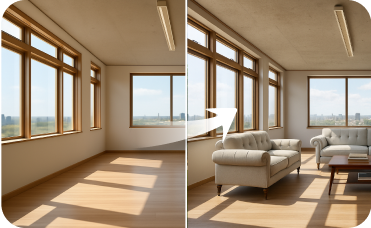
Virtual Staging
Stage the interior to match your new modern exterior for a complete property vision.
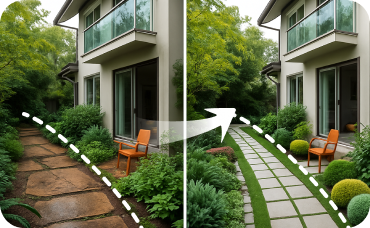
Landscaping
Visualize new gardens, patios, pathways, and plants to perfectly complement your home's new exterior.
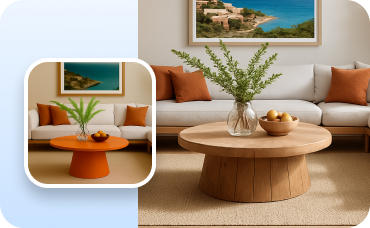
Change Furniture
Visualize outdoor furniture, planters, and decorative elements within your new courtyard.
Ready to Design Your Space with a Free Building Blueprint Maker?
Map your space in minutes with a clear 2D floor plan—simple, fast, and share-ready with our AI floor plan generator. Your ideal home is just a few clicks away.
Generate My Floor Plan
Ideal.House is more than a platform—it's your all-in-one home design ecosystem. Dive into powerful AI tools such as Interior Remodel, Exterior Renovator, and Landscaping to craft stunning spaces, and let HouseGPT guide you with tailored suggestions for planning, styling, and furnishing. Connect with a passionate community to swap ideas and advice, then take your designs from concept to completion with handpicked products matched to your taste.
At Ideal.House, we've built a space where technology, creativity, and collaboration come together to redefine home design.
At Ideal.House, we've built a space where technology, creativity, and collaboration come together to redefine home design.
Technical support [email protected]



💰 Earn 10% commission as a Ideal House Affiliate Partner.
Join us